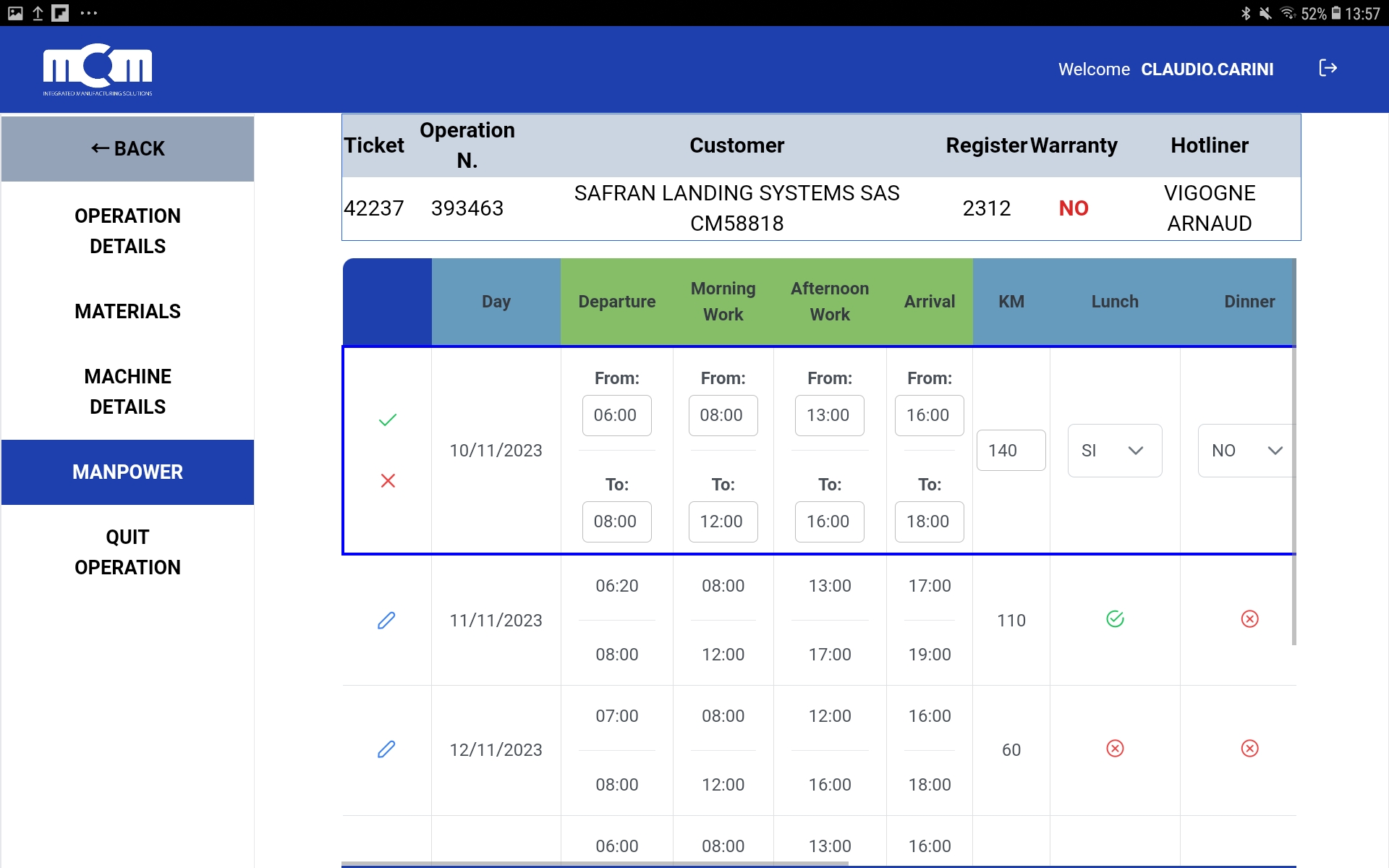
Workdays
This is the screen dedicated to filling in the working hours and other information related to the workday.
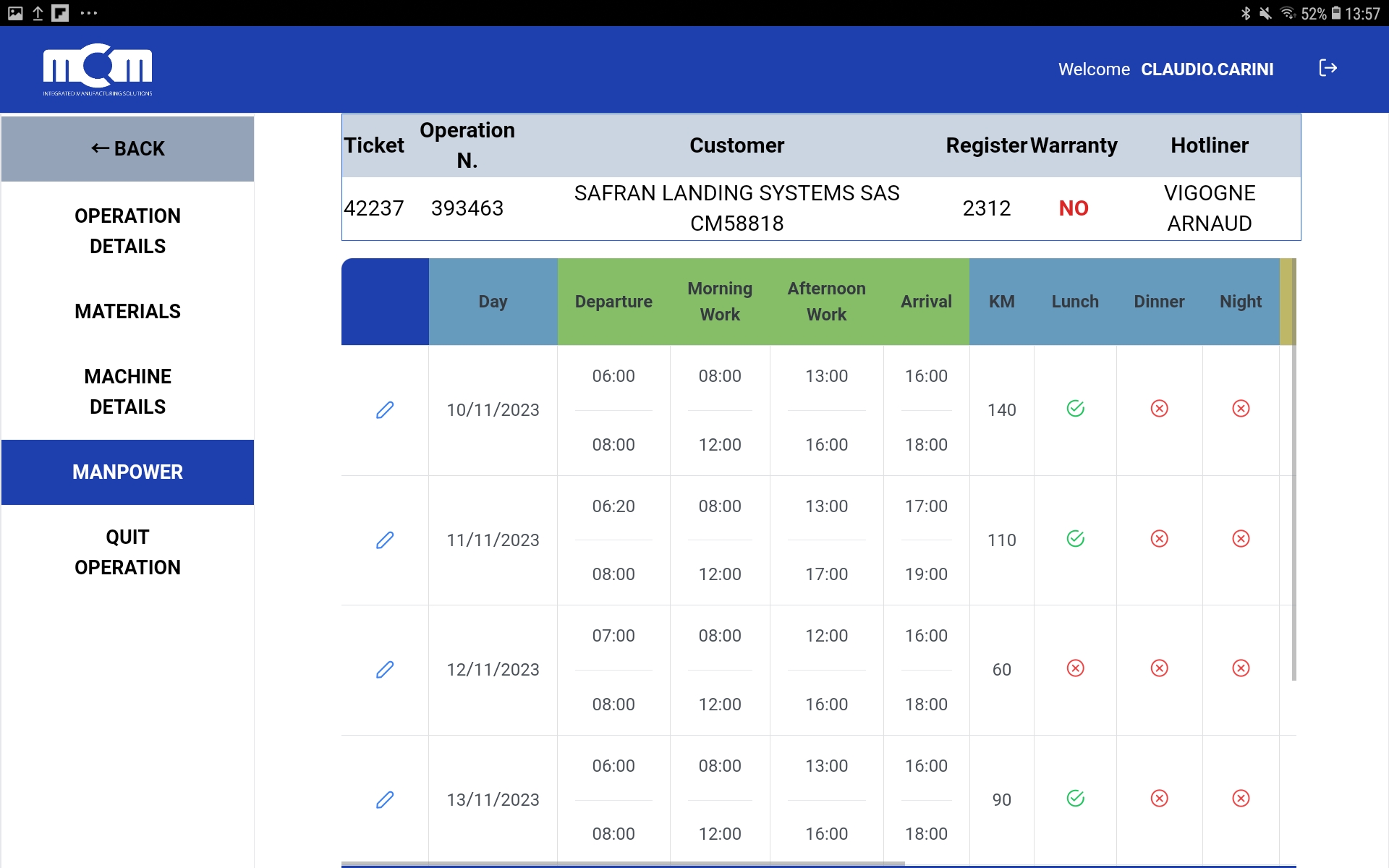
The procedure is the same as seen in the previous screens: to make a change,
click on the blue pencil and you will then be able to edit the row.
Note:
To enter the hours, simply type the numbers without worrying about punctuation marks.
(For example, to write eight in the morning, just type 0800 and the system will automatically format it as 08:00).
While editing the row, by scrolling to the right, you can view additional items, including waiting time.
What does this mean? In cases where there are time slots not attributable to the customer,
such as arriving at the MCM site and then leaving two hours later for various reasons,
those 2 hours should be entered in the waiting field.
In this case, in the "from" --- "to" fields under the entry "Outbound Waiting Time".
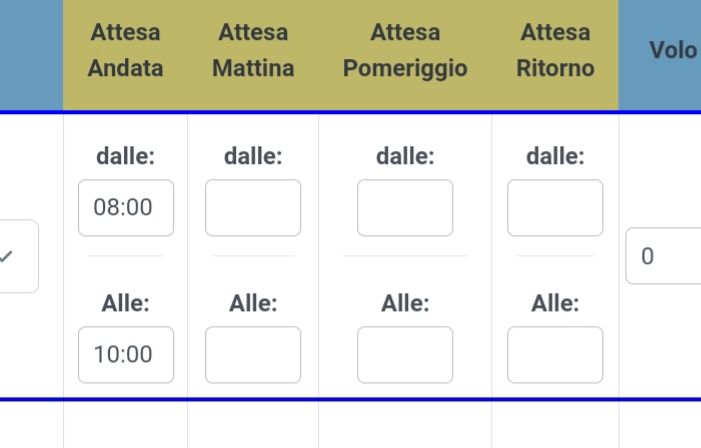
Once the entry is complete, simply click on the check ✅ button.