
Closing the Intervention
This is the final phase of the intervention, which assumes that all the previous screens have been correctly filled in.
If we forgot to complete all the materials related to the delivery notes taken in charge, we will be notified.
The same applies to the workdays.
At this stage, the first thing we need to do is select the output language of the intervention report.
Based on the chosen language, the corresponding PDF file will be generated.
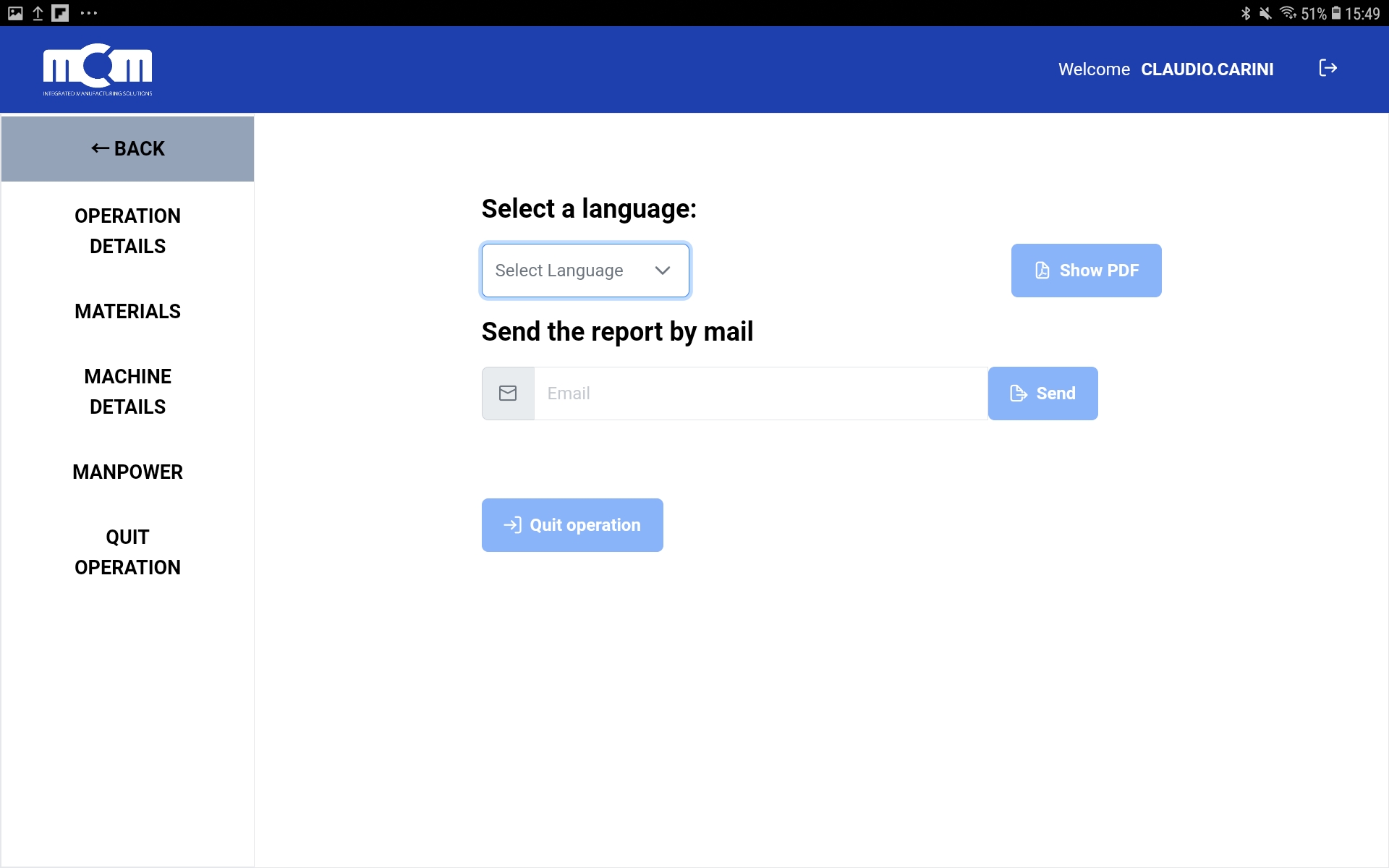
At this point, we have two options before closing the intervention:
View the generated PDF by clicking the "Show PDF" button
Enter the customer's email address to which we want to send it and press the "Send" button
Note: A few seconds after pressing the button, we will receive a confirmation checkmark of the successful sending, along with a reminder that a copy of the intervention report has also been sent to our own mailbox for safety.
Finally, once all activities are complete, we can close the intervention by clicking the last button "Quit Operation".